
Color Grading
Add separate color tints to shadows, midtones, and highlights, then balance the overall grade.
Try in Tonalith Tonalith
 Fine-tune color and contrast. Add film texture and soft highlights. Grade your photographs directly in your browser.
Try the free beta 




Balance exposure, refine individual colors, and add film effects in one editor. Compare your grade with the original as you work.
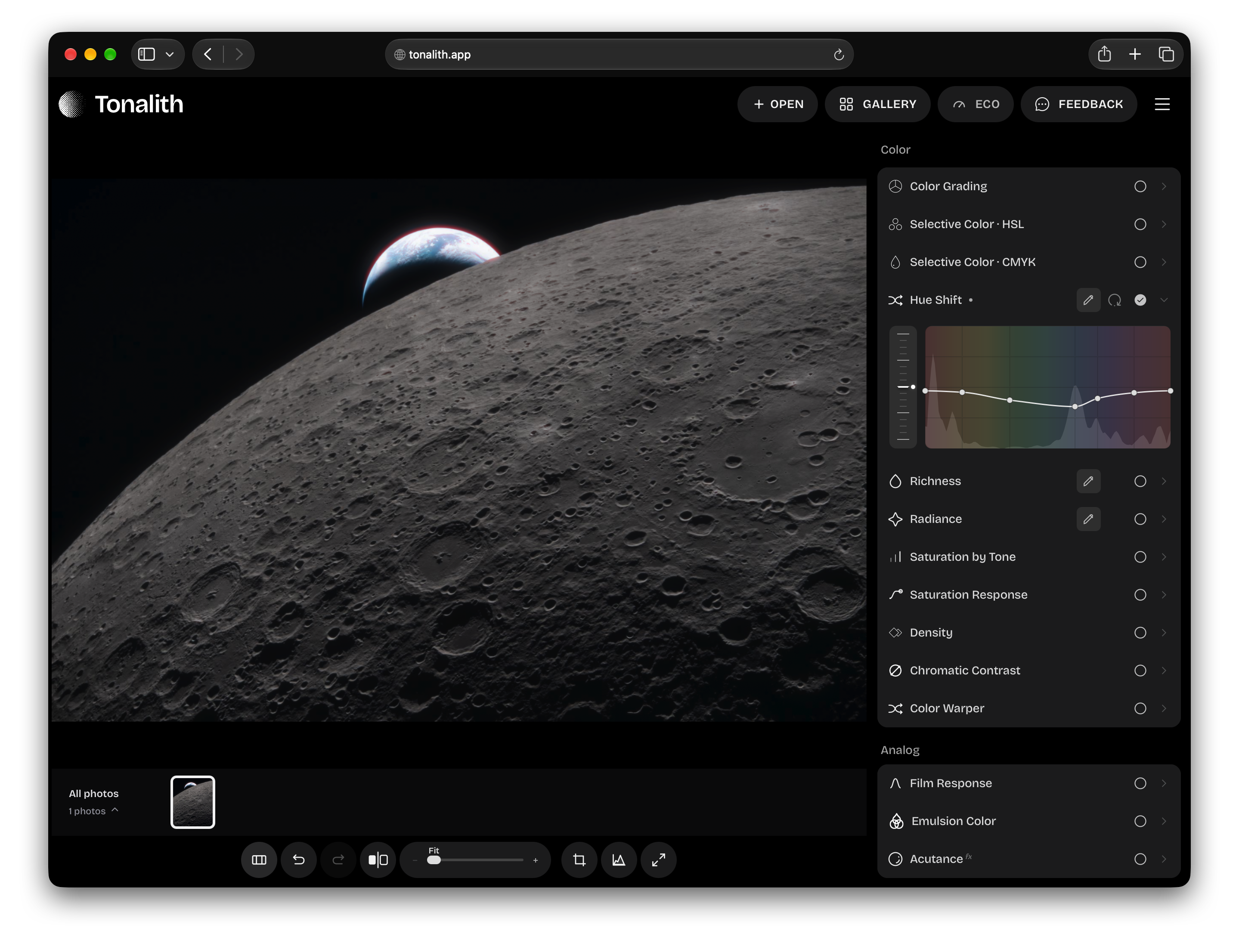
Adjust the colors, contrast, and texture that give a photograph its character.
Add separate color tints to shadows, midtones, and highlights, then balance the overall grade.
Try in Tonalith Set black and white points, adjust midtone contrast, and refine brightness with luminance or RGB curves.
Try in Tonalith Sample a color in your photo, refine the selected range, and adjust its hue, saturation, and brightness.
Try in Tonalith Adjust how shadows, midtones, and highlights respond to exposure for a film-like tonal rendering.
Try in Tonalith Adjust the balance and density of film-inspired color to change how colors interact.
Try in Tonalith Control grain strength, size, and texture to suit the image and the look you want.
Try in Tonalith Add a warm, colored glow around bright edges and control its strength.
Try in Tonalith Adjust local edge contrast to make fine detail more or less pronounced.
Try in Tonalith Soften fine detail for a gentler rendering of the image.
Try in Tonalith Add a tinted veil and adjust its density and illumination.
Try in Tonalith Spread light from bright areas to soften detail and contrast.
Try in Tonalith Add a soft glow around the brightest parts of the image.
Try in Tonalith Lift shadows and reduce contrast with a broad wash of scattered light.
Try in TonalithYour photographs are processed locally in your browser. Opening an image does not upload it to our servers.
Adjust color, tone, and film effects separately. Bypass individual adjustments to see what each contributes.
The public beta runs in your browser, with no installation or account required. Open a photograph and start editing.
Tonalith is in public beta. Use the Feedback link in the editor to report a problem or request a feature.